
Made In Six
- Authors
-
-

- Name
- Kaden King
-
Made In Six
Made In Six is a Bible curriculum program offered through local congregations across multiple states, with both in-person and online course options. The registration system I built handles everything from congregation onboarding to student enrollment — all built on top of Google Workspace where it can run for free!
The Problem
Coordinating a multi-congregation course program across many states is a logistical challenge. Congregations need to register to host courses, specify their available times and capacity per course, and then give their members a way to find and register for those courses. The original process involved a lot of manual back-and-forth. The goal was to automate it end to end.
Registration Web App
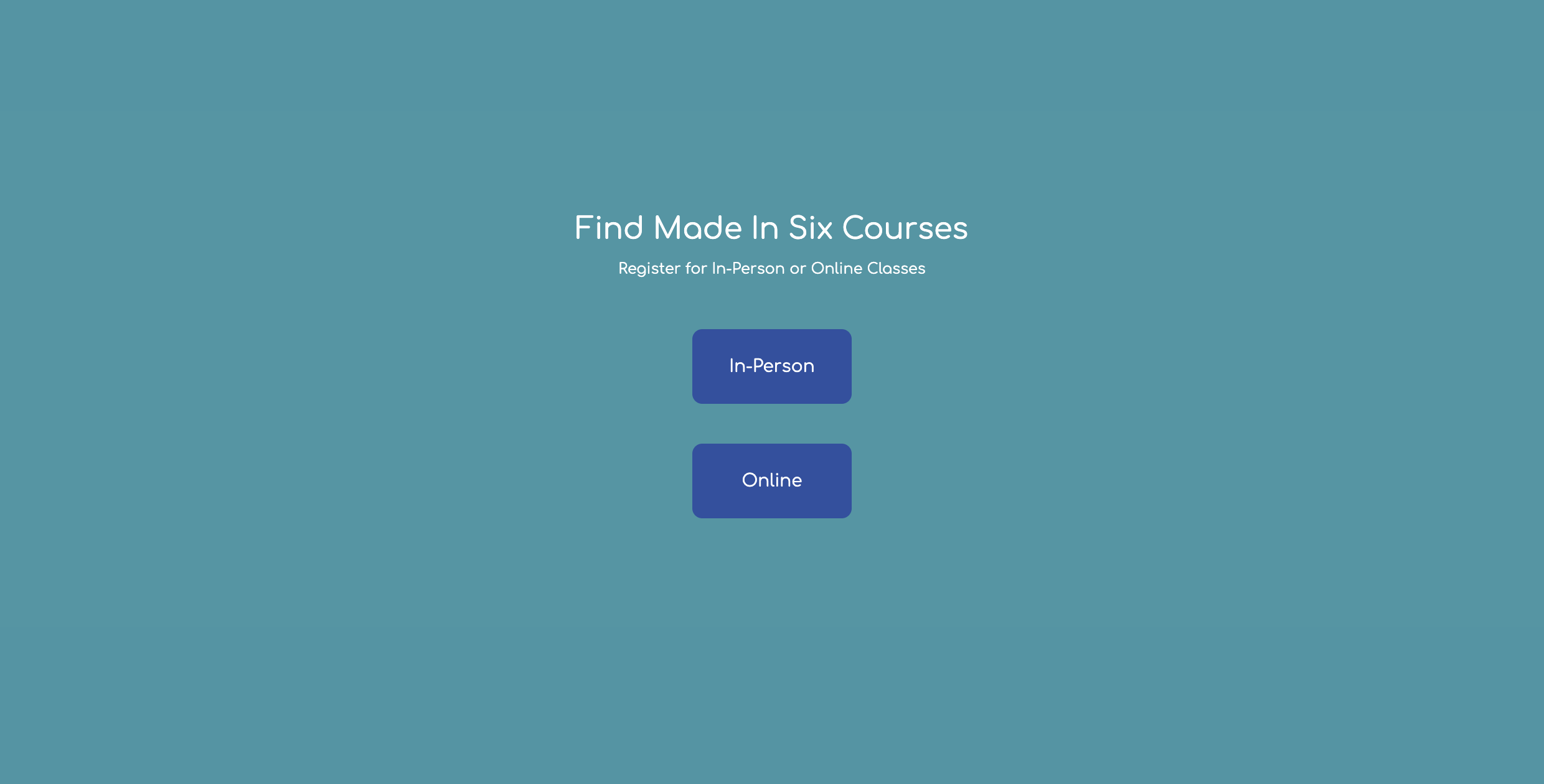
The student-facing side is a React and TypeScript web app, styled with Tailwind CSS and bundled with Webpack for deployment as a Google Apps Script web app. As a Google Apps Script, the web app could be embedded with an iframe on whatever framework the Made in Sex website is built on. Students open it, choose between in-person and online courses, then drill down by state and congregation to find available sessions. Available courses are pulled live from a central Google Sheet — if a course is at capacity, it doesn’t appear. Once a student selects a course, they’re linked directly to the registration Google Form for that congregation.
Google Apps Script Automation
The congregation side is fully automated through a series of Google Apps Script triggers:
Step 1 — Initial Form: A congregation submits a form with their name, address, logo, and which Made In Six courses they plan to offer. The script processes this response, stores the congregation’s details in a temporary Google Sheet, and automatically generates and sends a follow-up form asking for the specific days, times, capacity, and dates for each course offering.
Step 2 — Follow-Up Form: When the congregation submits the follow-up, the script pulls all the details together, generates a student-facing registration Google Form (complete with the congregation’s logo), creates a Google Sheet to collect registrations, and moves everything into an organized Drive folder for that congregation.
Step 3 — Confirmation: Both the congregation and the Made In Six admin receive confirmation emails with links to the registration form, the results spreadsheet, and a CSV export. The congregation’s course is then added to the central locations sheet, making it immediately discoverable in the web app.
Online registrations follow a simpler path through a separate script that routes submissions directly to the appropriate sheet.
Architecture
A github monorepo contains two packages: the React web app (madeinsix-google-web-app) and the Apps Script library (madeinsix-google-app-scripts). Scripts are split between in-person and online workflows, each with their own trigger chain. A shared Google Sheet acts as the source of truth for available locations and capacity, updated automatically as congregations register and students enroll.